
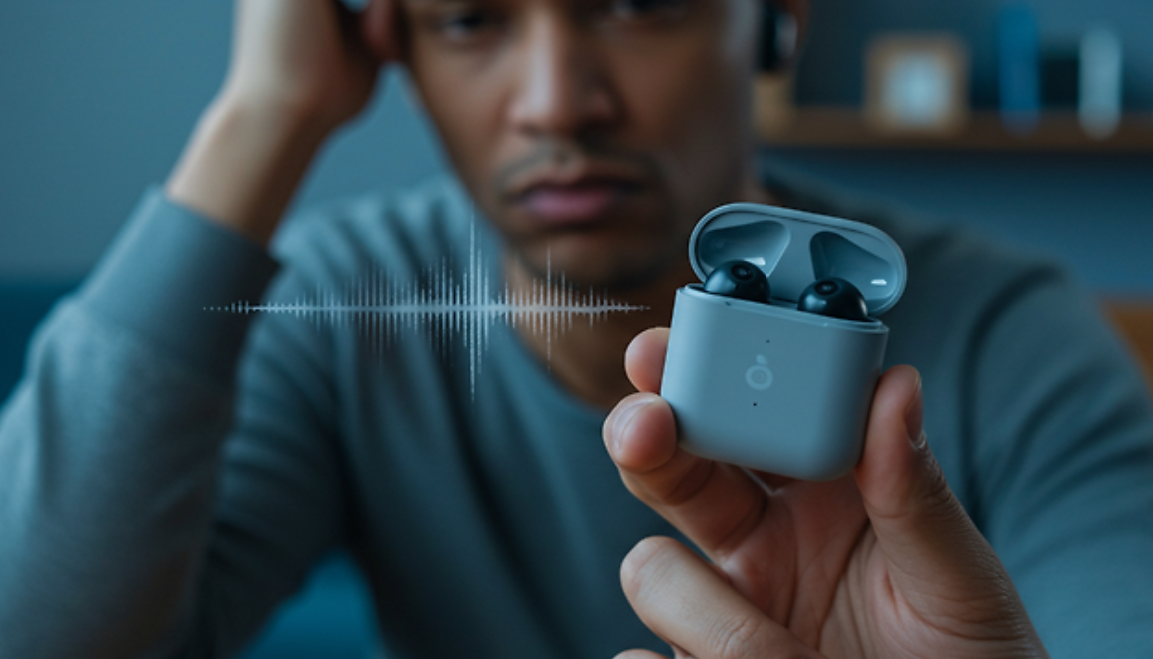
When I first started experiencing Bluetooth disconnection issues, I did not immediately understand what was causing the problem. Like many people, I rely heavily on wireless devices such as earbuds and a smartwatch throughout my daily routine. However, at some point, I began noticing a recurring issue: my Bluetooth connection would randomly disconnect even when I was not moving or doing anything unusual. Music would suddenly stop, calls would drop, and reconnecting sometimes took longer than expected. This became increasingly frustrating, especially because the issue seemed inconsistent and unpredictable.
As I tried to understand the situation, I began paying closer attention to when the disconnections occurred. At first, I assumed it was simply a temporary glitch or a problem with my earphones. However, the issue continued over several days, and I realized it was something more persistent. Sometimes the connection would remain stable for hours, while at other times it would disconnect repeatedly within minutes. This inconsistency made it difficult to pinpoint a clear cause.
In order to solve the problem, I decided to look into various sources and compare different explanations. I searched through online forums, tech blogs, and official support pages from device manufacturers. Interestingly, I found that different sources often suggested different primary causes. Some emphasized signal distance as the main issue, while others pointed to software bugs or interference from other wireless devices. A few sources even suggested that the problem could be related to hardware defects.
This variation in explanations initially caused some confusion. I wondered why there was no single clear answer. However, as I continued researching,
I began to understand that Bluetooth disconnection issues are rarely caused by just one factor.
Instead, they often result from a combination of conditions that vary depending on the user’s environment, device type, and usage habits.
For example, some users experience frequent disconnections because they move too far away from their device, while others face issues due to having too many connected devices at once. In my case, I realized that I was often surrounded by multiple wireless signals, including Wi-Fi networks and other Bluetooth devices, especially when I was at home or in public places. This likely contributed to signal interference.
As I continued to study the issue more deeply, I learned several important technical points about Bluetooth. First, Bluetooth operates on the 2.4 GHz frequency band, which is also used by many other wireless technologies. This means that interference is not only possible but quite common in environments with many active devices. Second, Bluetooth connections are highly dependent on both signal strength and device software stability. Even a small software glitch or outdated firmware can cause repeated disconnections.
Another important factor I discovered was the role of battery levels. Many Bluetooth devices are designed to disconnect automatically when their battery is low in order to conserve power. I realized that on several occasions, my earbuds were not fully charged, which likely contributed to the instability I experienced.
Additionally, I learned about Bluetooth cache and pairing data. Over time, devices store connection information, and if this data becomes corrupted, it can lead to repeated connection failures. This was something I had never considered before, but it turned out to be one of the most effective areas to address.
After gathering all this information, I decided to systematically apply the solutions I had learned. First, I ensured that all my devices were fully updated, including my smartphone’s operating system and the firmware of my Bluetooth accessories. Next, I removed all previously paired Bluetooth devices and reconnected only the ones I actively used. I also made a conscious effort to keep my devices within a closer range and reduce interference by turning off unnecessary wireless devices nearby.
One of the most impactful steps I took was resetting the Bluetooth connection entirely. I cleared the pairing history, restarted both devices, and paired them again from scratch. This alone significantly improved the stability of my connection.
I also adjusted my phone’s power-saving settings. Previously, I had battery saver mode enabled most of the time, which I later found could limit background Bluetooth activity. After disabling this feature for Bluetooth-related functions, I noticed fewer disconnections.
In the end, my final approach was not based on a single solution but rather a combination of several small adjustments.
I chose this method because my research made it clear that Bluetooth issues are multifaceted. Instead of relying on one fix, I focused on eliminating as many potential causes as possible.
The reason I selected this comprehensive approach is simple: it addresses both the technical and environmental factors that contribute to the problem. By updating software, managing connections, reducing interference, and optimizing settings, I was able to significantly improve my Bluetooth stability.
Looking back, the experience taught me that seemingly simple tech issues can have complex underlying causes. It also showed me the importance of comparing multiple sources of information rather than relying on a single explanation. Through careful observation, research, and testing, I was able to resolve the issue effectively.
Now, my Bluetooth connection remains stable in most situations, and I rarely experience unexpected disconnections. While occasional issues can still occur, they are far less frequent and much easier to troubleshoot.
For anyone facing similar problems, I would strongly recommend taking a structured approach: observe your usage patterns, compare different possible causes, and apply multiple solutions rather than expecting a single fix to work. This method not only solves the problem more effectively but also helps you better understand how your devices function.