

I Tried Everything to Fix My Wi-Fi — This Is What Actually Worked

When I first started experiencing Wi-Fi issues at home, it wasn’t something I immediately took seriously. At first, it felt like a temporary inconvenience—videos buffering slightly longer than usual, web pages loading just a bit slower. However, over time, the problem became more persistent and noticeable. What confused me the most was that the issue wasn’t consistent throughout my home. In some rooms, the connection was perfectly fine, while in others, especially the bedroom and kitchen, the signal would drop unexpectedly or become frustratingly slow. Even simple tasks like sending messages or opening apps that required internet access felt unreliable.

That was the moment I realized this wasn’t just a minor glitch, but a structural issue with my Wi-Fi setup that needed proper attention.

As I began to look into solutions, I quickly discovered that there were countless recommendations available online and from different sources. I compared advice from tech forums, customer support centers, internet service providers, and even electronics stores. Some suggested upgrading to a completely new router, while others insisted that a Wi-Fi extender would solve everything. A few recommended switching internet providers altogether, claiming that the issue was due to bandwidth limitations rather than signal strength. Interestingly, each source seemed confident in their own solution, but the suggested approaches varied widely in cost and complexity. This made the decision-making process more confusing than expected.

I started to question why there was such a difference in opinions. After digging deeper, I realized that the root cause of Wi-Fi problems can differ significantly depending on individual living environments. For example, someone living in a small apartment with thin walls might only need minor adjustments, while someone in a multi-story house with thick concrete walls could require a more advanced setup like a mesh network. Additionally, interference from nearby networks, household devices, and even furniture placement can drastically affect signal strength.

This explained why there wasn’t a one-size-fits-all solution and why different experts provided different recommendations based on their assumptions.

At this point, I decided to study the problem more systematically instead of blindly following a single suggestion. I focused on understanding how Wi-Fi signals actually work and what factors influence their performance. One of the most important things I learned was the significance of router placement. I discovered that placing the router in a corner or near walls limits the signal’s ability to spread evenly. This was exactly what I had been doing—my router was tucked away near a wall in the living room, partially hidden behind furniture.

I also learned that physical obstacles such as concrete walls, metal objects, and even large mirrors can weaken Wi-Fi signals. Another key factor was channel interference, especially in areas with many nearby networks. By accessing the router settings, I found that my Wi-Fi channel was overcrowded, which explained the unstable connection. Adjusting the channel to a less congested one immediately improved stability.

In addition, I explored hardware-related solutions. I looked into upgrading antennas and considered purchasing a Wi-Fi extender or even a mesh system. Through my research, I realized that while extenders can be helpful, they sometimes create separate networks and may not provide seamless connectivity. On the other hand, mesh systems offer a more integrated solution but come at a higher cost. I also learned the importance of keeping the router firmware updated and minimizing interference from other electronic devices like microwaves and Bluetooth equipment.

After carefully evaluating all the options and testing some of the simpler solutions, I made my final decision based on both effectiveness and cost-efficiency. Instead of immediately investing in expensive equipment, I started by optimizing what I already had. I repositioned my router to a more central and elevated location, away from obstacles and interference sources. I adjusted the antenna direction and changed the Wi-Fi channel to a less crowded one. These changes alone made a significant difference in signal strength across multiple rooms.

However, there were still a few weak spots in my home, particularly in areas farther from the router. At that point, I decided to invest in a mesh Wi-Fi system rather than a basic extender. The reason for this choice was its ability to provide seamless coverage without requiring manual switching between networks. Although it required a higher initial cost, the long-term stability and convenience made it a worthwhile investment.

In conclusion, what started as a frustrating everyday inconvenience turned into a valuable learning experience. By understanding the underlying causes of Wi-Fi issues and comparing different solutions, I was able to make an informed decision rather than relying on guesswork. The key takeaway from my experience is that improving Wi-Fi performance doesn’t always require expensive upgrades. In many cases, simple adjustments and a clear understanding of the problem can lead to significant improvements.

Ultimately, combining basic optimization with the right technology allowed me to achieve a stable and strong Wi-Fi connection in every room of my home.
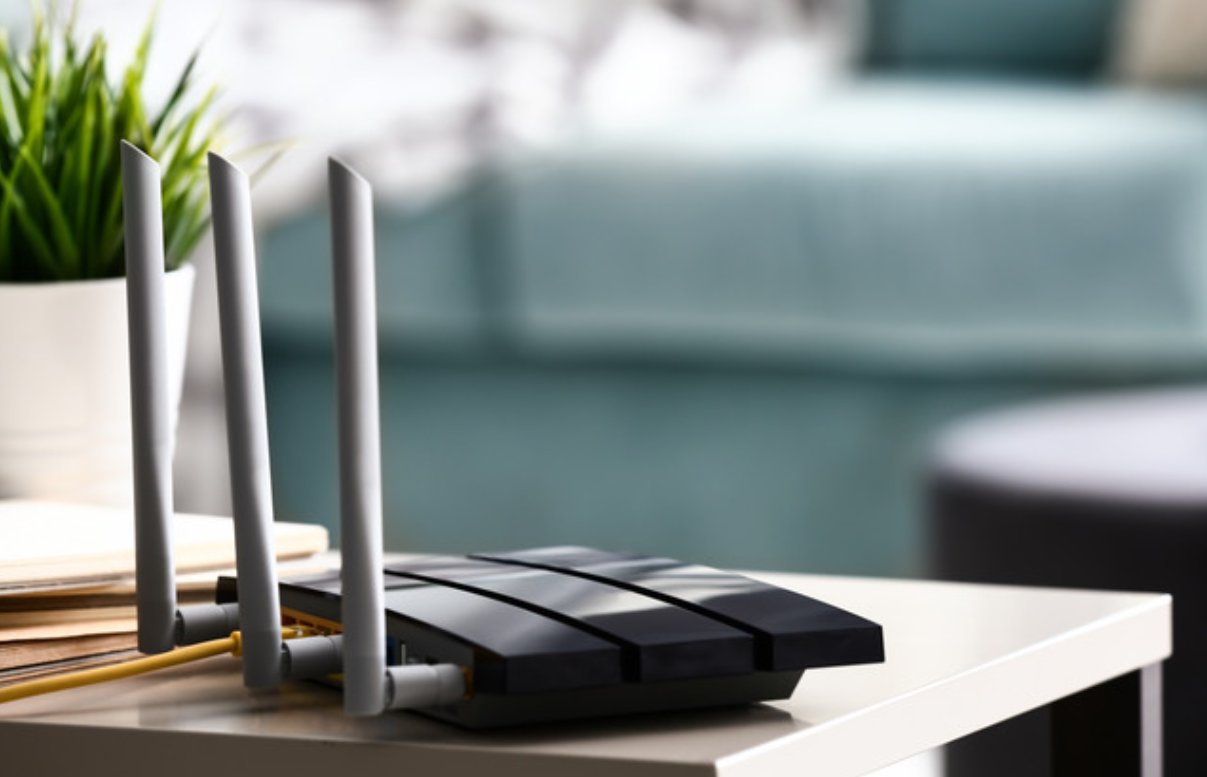

I Paid for Fast Internet… But My Wi-Fi Was Still Slow

Recently, I found myself increasingly frustrated with my home Wi-Fi performance. Despite paying for a high-speed internet plan, my actual experience did not match the promised speed. Videos would buffer unexpectedly, websites loaded slowly, and even simple online tasks felt delayed.

At first, I assumed the issue might be temporary or related to my internet service provider. However, the problem persisted over several days. What confused me the most was that I had already upgraded to a faster internet plan, expecting a noticeable improvement. Instead, the performance remained inconsistent and unreliable.

As someone who depends heavily on the internet for daily activities, including browsing, streaming, and managing tasks, this situation quickly became inconvenient. I realized that simply having a high-speed plan might not be enough, and I needed to understand what was actually causing the slowdown.


To better understand the issue, I explored various sources such as technology blogs, online communities, and troubleshooting guides. I found that many people were experiencing similar problems, even with high-speed internet plans.

Some sources suggested that the router itself might be the problem, especially if it was outdated. Others emphasized the importance of router placement, stating that poor positioning could weaken the signal significantly.

There were also recommendations about limiting the number of connected devices, as multiple devices can divide the available bandwidth. Additionally, some guides highlighted the role of interference from other electronics or nearby Wi-Fi networks.

Other sources pointed out that background apps and automatic updates might consume bandwidth without the user realizing it. A few even mentioned that the issue could sometimes be related to the internet service provider’s network congestion.

Because each source focused on different factors, it was initially difficult to determine which solution would be the most relevant to my situation.


After comparing multiple sources, I realized that the differences in advice were due to the wide range of factors that can affect Wi-Fi performance.

First, slow Wi-Fi is not caused by a single issue.

It can result from hardware limitations, environmental factors, or network usage patterns. Each of these causes requires a different solution.

Second, individual environments vary greatly. For example, people living in apartments may experience more signal interference from neighboring networks, while those in larger homes may struggle with coverage due to distance.

Third, the number and type of devices connected to the network can significantly impact performance. A household with multiple devices streaming content simultaneously will experience different issues compared to a single-user setup.

Understanding these differences helped me realize that there is no one-size-fits-all solution, and that identifying the root cause is essential.


Through my research and testing, I learned several important factors that influence Wi-Fi speed.

First, I discovered that having a high-speed internet plan does not guarantee fast Wi-Fi performance.

The router plays a crucial role, and an outdated router can limit the speed regardless of the plan.

Second, router placement turned out to be more important than I initially thought. Moving the router to a central and elevated location improved signal distribution across my home.

Third, I realized that too many connected devices can slow down the network. By disconnecting unused devices and managing bandwidth usage, I was able to improve overall speed.

I also learned that interference from other devices can disrupt Wi-Fi signals. Switching to the 5 GHz band and adjusting the Wi-Fi channel helped reduce interference.

Additionally, monitoring background activity revealed that some apps were using bandwidth without my knowledge. Disabling unnecessary background processes helped free up network resources.


After testing various solutions, I decided to take a comprehensive approach to improving my Wi-Fi performance.

I upgraded my router to a modern model that supports higher speeds and better device management. I also repositioned it to a central location in my home to ensure better signal coverage.

In addition, I limited the number of connected devices by disconnecting those that were not actively in use. I also made adjustments to reduce interference and monitored background data usage more carefully.

I chose this approach because it addresses multiple potential causes rather than focusing on a single factor.

Instead of relying on one solution, I combined several small improvements that together made a significant difference.

As a result, my Wi-Fi speed became much more stable and consistent. Activities such as streaming, browsing, and working online are now smoother and more reliable.


Slow Wi-Fi can be frustrating, especially when you are paying for a high-speed internet plan. However, the issue is often not the plan itself, but various factors within your home network.

By understanding these factors and making practical adjustments, it is possible to significantly improve your Wi-Fi performance.

Taking the time to optimize your setup can help you fully enjoy the speed you are paying for and create a more reliable internet experience in your daily life.

I Tried Everything to Fix Slow Wi-Fi — Here’s What Really Worked

Recently, I began experiencing persistent issues with my home Wi-Fi speed. At first, I assumed it was just a temporary slowdown, something that would resolve on its own after a short period. However, the problem continued for several days, and the internet remained consistently slow.

Simple tasks such as browsing websites, watching videos, or even using basic apps became frustrating. Videos would buffer frequently, pages loaded slowly, and overall responsiveness was noticeably reduced. What made the situation more confusing was that I had not changed my internet plan, nor had I significantly increased my usage.

Since I rely heavily on a stable internet connection for daily activities, this issue quickly became a serious inconvenience. As someone managing daily life independently, having unreliable Wi-Fi affected both productivity and comfort. This led me to seriously investigate the cause of the problem and explore practical solutions.


While researching, I explored various sources, including technology blogs, online forums, and troubleshooting guides. I noticed that while many sources addressed slow Wi-Fi issues, their recommendations often differed in focus.

Some sources emphasized router placement as the most important factor, suggesting that even small changes in position could significantly improve signal strength. Others focused on technical solutions such as changing Wi-Fi channels or updating router firmware.

There were also recommendations about limiting the number of connected devices, especially in households with multiple smart devices. Some guides suggested upgrading to a newer router, while others recommended using additional equipment like Wi-Fi extenders or mesh systems.

Because each source highlighted different solutions, it was initially difficult to determine which method would be the most effective for my specific situation.


After comparing multiple sources, I realized that the differences in advice were due to the various factors that can affect Wi-Fi performance.

First, slow Wi-Fi can be caused by multiple issues, including poor router placement, signal interference, outdated hardware, or network congestion.

Each of these causes requires a different solution.

Second, living environments vary. For example, people living in apartments may experience more interference from neighboring networks, while those in larger homes may struggle with coverage issues.

Third, the number and type of connected devices can significantly impact network performance. Households with many devices streaming or downloading data simultaneously are more likely to experience slower speeds.

Understanding these factors helped me realize that there is no single universal fix, and the most effective solution depends on identifying the specific cause.


Through my research and testing,

I learned that improving Wi-Fi speed requires a combination of practical adjustments rather than relying on a single solution.

First, I found that router placement has a major impact on performance. Moving the router to a more central and elevated location immediately improved signal strength in several areas of my home.

Second, restarting the router proved to be a simple but effective way to resolve temporary issues. This helped refresh the network and restore stable performance.

Third, I learned that interference from nearby networks and electronic devices can reduce Wi-Fi speed. Changing the Wi-Fi channel and switching to the 5 GHz band significantly improved connection quality.

I also realized that having too many connected devices can slow down the network. Disconnecting unused devices helped free up bandwidth and improve overall speed.

Additionally, updating the router firmware and considering hardware upgrades provided long-term improvements in performance and stability.


After trying different solutions, I decided to adopt a comprehensive approach to improving my Wi-Fi speed.

I repositioned my router to a central location and ensured that it was placed in an open area without obstructions. I also made it a habit to restart the router periodically to prevent performance issues.

In addition, I switched to the 5 GHz network when possible and limited the number of connected devices by disconnecting those that were not in use. I also checked for firmware updates and ensured that my router was running the latest version.

I chose this approach because it addresses multiple potential causes of slow Wi-Fi rather than focusing on just one factor. Instead of relying on a single fix, I implemented several small changes that together produced a significant improvement.

As a result, my internet speed became noticeably faster and more stable. Daily activities such as streaming, browsing, and working online became much smoother and more reliable.


Slow Wi-Fi can be frustrating, but it is often caused by manageable factors such as poor placement, interference, or network congestion.

By understanding the causes and applying simple adjustments, it is possible to significantly improve your internet performance without upgrading your plan.

Taking a proactive and consistent approach to managing your home network can make a meaningful difference in both speed and reliability.