
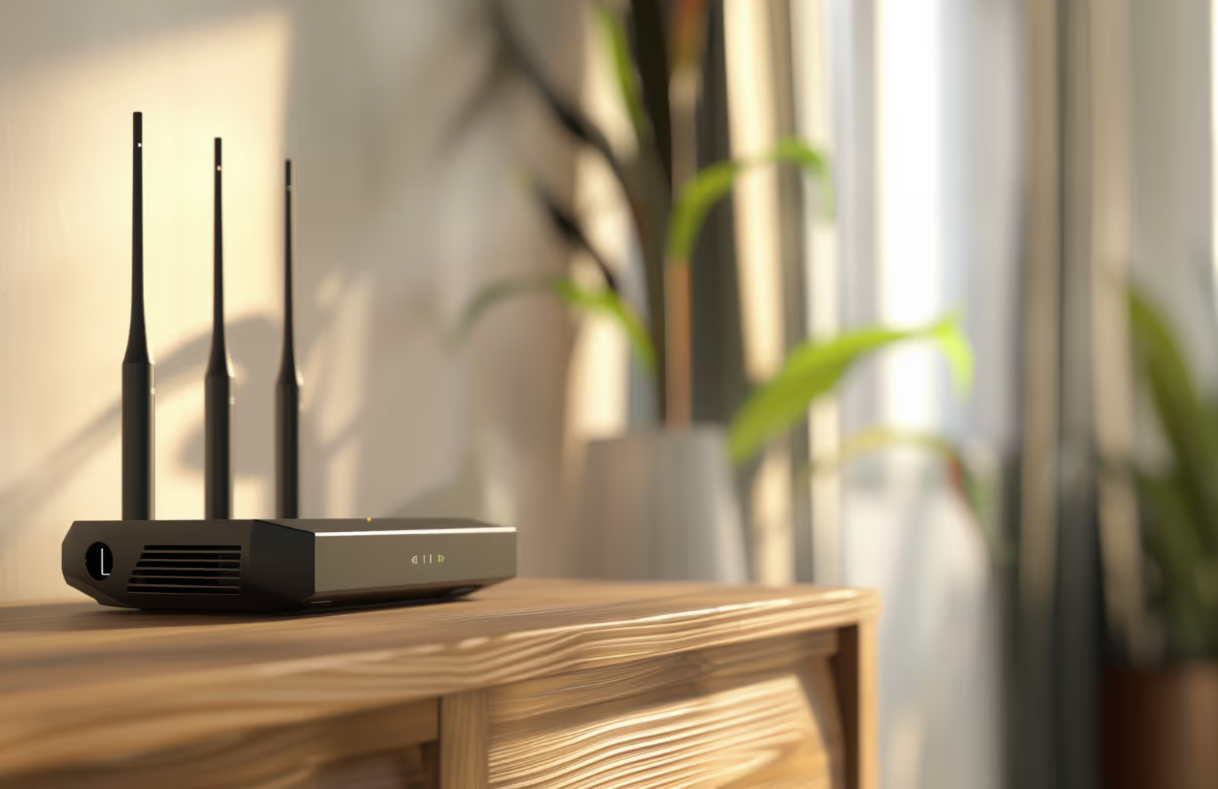
Recently, I began to feel increasingly dissatisfied with the performance of my home Wi-Fi.
Even though I was subscribed to a high-speed internet plan, the actual experience did not reflect the level of speed I was paying for.
Videos would buffer unexpectedly, certain areas of my home had noticeably weaker signals, and even simple tasks such as browsing websites or sending messages felt slower than they should have been.
At first, I assumed that the issue might be temporary or related to my internet service provider. However, as the problem continued for several days, I started to question whether something within my own home environment was causing the issue. What made the situation more frustrating was that I had already invested in a faster internet plan, expecting a clear improvement in performance. Instead, I continued to experience inconsistent speeds and unstable connections depending on where I was in my home.
As someone who relies heavily on the internet for daily activities such as streaming, browsing, and managing personal tasks, this problem quickly became inconvenient. I realized that simply upgrading my internet plan was not enough, and I needed to understand what factors within my home might be affecting my Wi-Fi performance.
To better understand the problem, I explored a wide range of sources, including technology blogs, online forums, and troubleshooting guides. Through this process, I discovered that many people were experiencing similar issues, even when using high-speed internet plans.
Some sources emphasized that router placement was one of the most important factors affecting Wi-Fi performance. They explained that placing the router in a corner of the house could cause signals to be wasted outside rather than distributed evenly throughout the living space. Other sources recommended placing the router in a central location to improve coverage.
There were also suggestions about keeping the router elevated. Several guides pointed out that placing the router on the floor or inside furniture could block signals, while positioning it on a shelf or desk could significantly improve signal strength.
In addition, some sources highlighted the impact of physical obstacles such as concrete walls, metal objects, and large appliances, all of which can weaken Wi-Fi signals. Others focused on electronic interference, mentioning that devices like microwaves, Bluetooth devices, and cordless phones could disrupt the signal.
Some recommendations went further by suggesting adjustments to router antennas or even investing in additional equipment such as Wi-Fi extenders or mesh systems for larger homes.
Because each source focused on different aspects, it was initially difficult to determine which advice was most relevant to my situation.
After reviewing multiple sources, I came to understand that the variation in advice was due to the many different factors that influence Wi-Fi performance.
First, Wi-Fi performance is not determined by a single cause.
Instead, it is affected by a combination of factors such as router placement, physical environment, interference, and the layout of the home. Each of these factors can impact signal strength and coverage in different ways.
Second, every living environment is unique. For example, someone living in a small apartment may experience signal interference from neighboring networks, while someone in a larger house may struggle with weak coverage in distant rooms. The structure of the building, including walls and materials, also plays a significant role.
Third, the number and type of devices connected to the network can vary greatly between households. A home with multiple devices streaming videos simultaneously will experience different challenges compared to a single-user environment.
Because of these differences, each source tended to focus on specific factors based on common scenarios, which is why the advice appeared inconsistent at first.
Through my own research and testing, I gained a clearer understanding of how router placement directly affects Wi-Fi performance.
I learned that placing the router in a central location is one of the most effective ways to improve signal coverage. Since Wi-Fi signals spread in all directions, positioning the router near the center of the home allows the signal to reach more areas evenly.
I also discovered that keeping the router elevated can significantly improve performance. When the router is placed on the floor or inside enclosed spaces such as cabinets or closets, the signal becomes obstructed. Moving the router to a higher position, such as a shelf or desk, allows the signal to travel more freely.
Additionally, I found that avoiding obstacles is crucial. Thick walls, metal objects, mirrors, and large appliances can weaken signals, so minimizing these barriers between the router and devices is important.
Another important factor I identified was electronic interference. Devices such as microwaves and Bluetooth equipment can disrupt Wi-Fi signals, so maintaining distance between these devices and the router can help maintain a stronger connection.
I also learned that adjusting router antennas can improve signal distribution, especially in multi-story homes. Furthermore, I realized that in some cases, using Wi-Fi extenders or mesh systems may be necessary to eliminate dead zones in larger spaces.
After testing various approaches, I decided to focus on optimizing my router placement rather than immediately upgrading my internet plan or purchasing expensive equipment.
I repositioned my router to a central location within my home to ensure more even signal distribution. I also placed it in an elevated and open area, avoiding enclosed spaces and minimizing interference from walls and electronic devices.
In addition, I made small adjustments such as ensuring that there were fewer obstacles around the router and maintaining distance from devices that could cause interference.
I chose this approach because it addressed multiple potential causes at once without requiring significant additional cost. Instead of relying on a single solution, I applied several practical improvements based on my understanding of how Wi-Fi signals behave.
As a result, I experienced a noticeable improvement in Wi-Fi performance. The signal became more consistent throughout my home, and activities such as streaming and browsing became smoother and more reliable.
Through this experience, I realized that optimizing router placement is one of the most effective and simplest ways to improve Wi-Fi performance.
By understanding and applying these principles, it is possible to achieve better results without necessarily upgrading to a more expensive internet plan.