
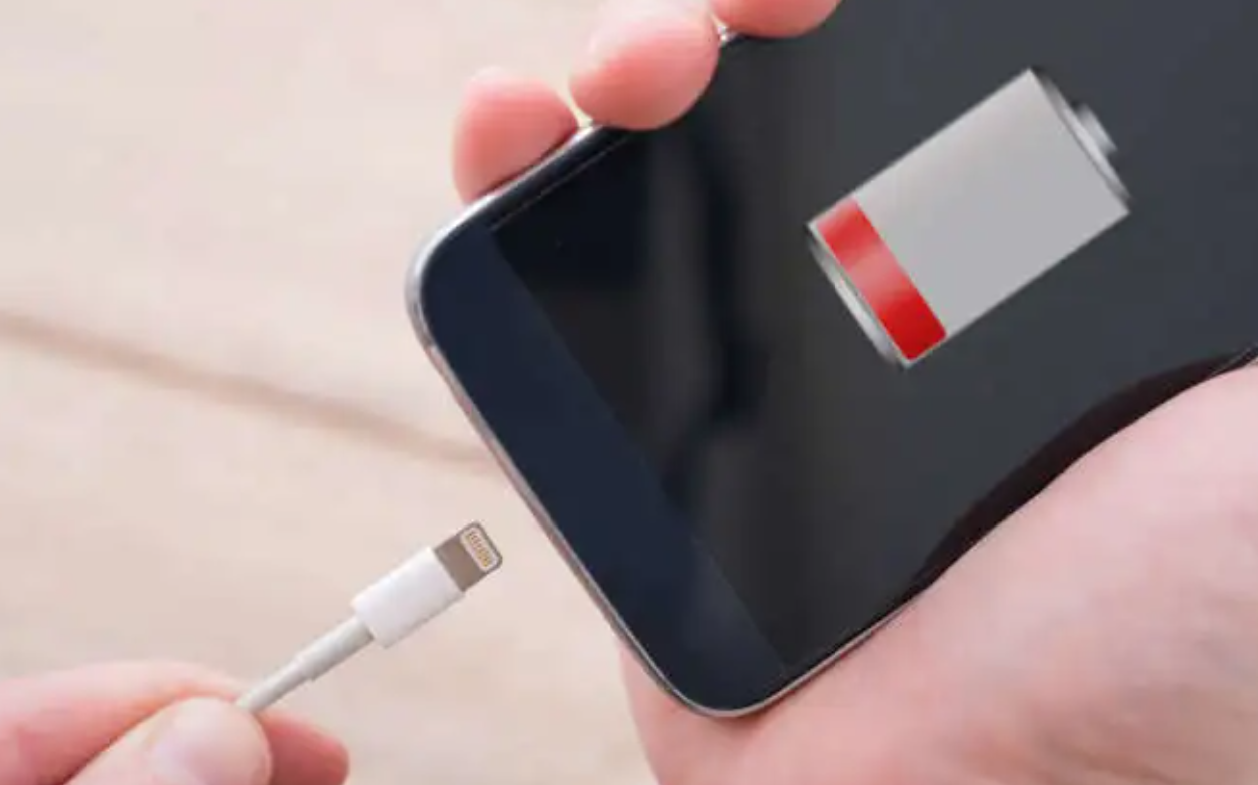
Recently, I encountered a frustrating issue with my smartphone: it would not charge properly. At first, I noticed that sometimes the charging process would stop abruptly, and at other times, the phone charged very slowly despite being plugged in for hours. As someone who relies heavily on my phone for both work and personal matters, this problem immediately became a significant concern. I needed to find a solution quickly because a non-functioning phone affects not only communication but also productivity. Initially, I assumed it might be a temporary glitch, but as the problem persisted, I realized that a deeper investigation was necessary.
To address the issue, I decided to conduct a thorough exploration based on what I could observe and what resources I had available. My first step was to check the most obvious component: the charging cable. I noticed that while the cable appeared physically intact, the problem remained even after swapping it with another one. This made me think about the possibility of internal damage within the cable, as even subtle fraying or internal wire breaks can interfere with proper charging. I also tried using an original cable supplied by the manufacturer and avoided cheap or uncertified alternatives, which some sources recommend, but the charging issue persisted intermittently.
Next, I considered the charging port. Dust or lint accumulation inside the port can prevent a proper connection, so I carefully examined it under good lighting. Using a soft brush and a toothpick, I gently removed any debris, making sure not to use metal objects that could potentially damage the port. While this cleaning slightly improved the situation at first, the problem was not completely resolved, suggesting that the port might not be the only culprit.
I then looked into the power source. Often, charging through a laptop USB port or an older adapter does not supply sufficient power, leading to slow or interrupted charging. I tested a few different wall chargers with higher wattage output and plugged them directly into a reliable wall socket. This adjustment improved the charging speed marginally, but the inconsistency continued, which prompted me to consider other underlying issues beyond the cable and power source.
After these hardware checks, I explored possible software-related causes.
I restarted my phone and updated it to the latest operating system version. I also monitored background apps that could be draining battery excessively while charging. In many cases, software glitches can interfere with normal charging, and these steps are usually recommended to address such issues. Unfortunately, the charging problem still occurred, which suggested that the root cause might be related to the hardware or the battery itself rather than the software.
Concerned about potential overheating issues, I observed the phone while it was charging. I removed its protective case and ensured it was in a cool, ventilated environment, avoiding the use of heavy apps during charging. Overheating can trigger a protective mechanism that stops charging temporarily, so these steps were essential to rule out thermal issues. Nevertheless, although the phone remained cooler, the intermittent charging continued, pointing again to a deeper problem.
Given the continued issues, I turned my attention to battery health. Modern smartphones allow users to check battery condition in the settings menu.
Upon checking, I discovered that the battery had significantly degraded over time, reducing its ability to hold and receive charge efficiently.
Degraded batteries are a common reason for slow or interrupted charging, especially in phones that are several years old.
At this point, I decided to consult multiple professional sources to compare opinions and recommended solutions. I visited two authorized service centers and one independent repair shop. Each place conducted diagnostic tests, but the conclusions varied. One service center recommended replacing the battery entirely, citing its poor health and age. The second center suggested first attempting a full system reset, arguing that software glitches could exacerbate the problem. The independent repair shop emphasized that both the battery and the charging port should be examined in combination, as subtle port damage can mimic battery problems.
The differences in these recommendations initially confused me. Why did each place offer a slightly different approach? Upon reflection and some additional research, I understood that diagnostic methods and professional judgment can vary based on the tools available, the technician’s experience, and the emphasis placed on certain factors such as software versus hardware issues. For example, a center that focuses on hardware may prioritize battery replacement, while another emphasizing software diagnostics may first recommend system resets. Each approach has its merits, but they highlight how complex a seemingly simple issue like charging can be.
To make an informed decision, I spent additional time studying the topic myself. I reviewed technical guides, reputable blogs, and forums where users discussed similar charging issues. I learned about common causes such as faulty cables, debris in the port, weak power sources, software glitches, overheating, and battery degradation. I also studied practical solutions: switching to high-quality cables, cleaning the port carefully, using reliable chargers, checking battery health, and considering professional repair if physical damage existed. The more I learned, the more I realized that while multiple factors could contribute, the most persistent and common culprit for my situation was the aging battery.
After considering all the information, I made my final decision.
I opted to replace the battery at an authorized service center. I chose this route because the battery health check clearly indicated significant wear, and other potential issues like cable, port, and power source had already been tested and partially addressed. While software glitches and overheating could contribute, these factors were secondary in my case. Replacing the battery directly addressed the root cause and provided the most reliable long-term solution. Additionally, doing it through an authorized center ensured quality replacement parts and maintained warranty coverage.
In conclusion, experiencing a phone that would not charge properly was a stressful and inconvenient situation. However, by systematically examining each possible factor—cable, charging port, power source, software, overheating, and battery health—I was able to narrow down the issue. Consulting multiple repair professionals highlighted different diagnostic approaches and reinforced the importance of understanding why recommendations might differ. By studying the problem thoroughly and comparing various sources, I gained a clear understanding of the issue and felt confident in my final choice: replacing the degraded battery. After the replacement, my phone returned to normal charging behavior, providing fast, consistent charging and restoring my peace of mind. This experience also gave me practical knowledge about maintaining my phone’s battery health in the future, including avoiding cheap cables, keeping the port clean, and managing charging habits to extend battery longevity.