
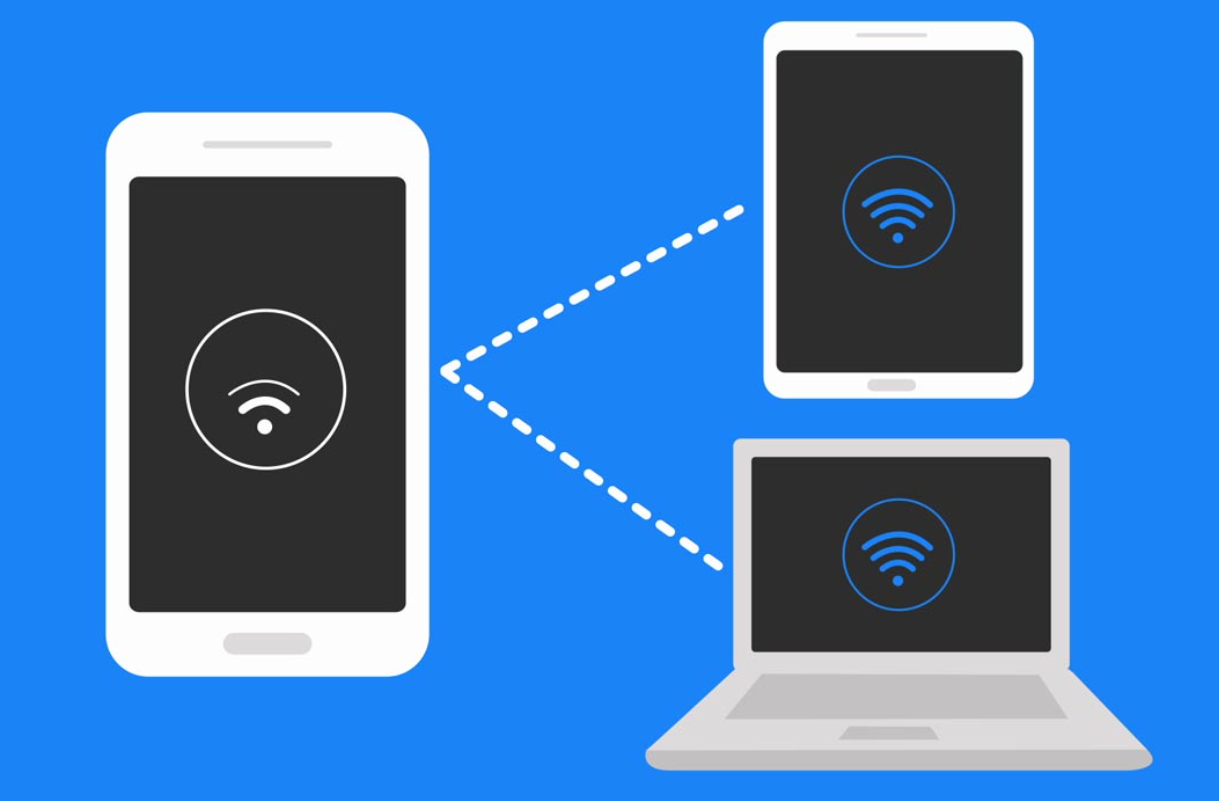
Recently, I found myself relying heavily on my smartphone’s hotspot feature. There were situations where I needed internet access on my laptop or tablet, especially when Wi-Fi was unavailable or unstable. At first, using my phone as a hotspot felt incredibly convenient. However, I quickly encountered a frustrating issue—my internet speed dropped significantly whenever I enabled tethering.
The problem became especially noticeable during tasks that required stable connectivity, such as video calls, file downloads, or even simple web browsing. Pages would load slowly, videos would buffer constantly, and online meetings would lag. In some cases, the connection would feel almost unusable.
What made this situation more confusing was that my mobile data itself seemed perfectly fine. When I used apps directly on my phone, the speed was relatively fast and stable. However, the moment I shared that connection through a hotspot, the performance dropped noticeably.
This led me to question whether the issue was related to my phone settings, network limitations, or something else entirely. Rather than immediately assuming that my device or data plan was insufficient, I decided to investigate the issue more thoroughly and find ways to improve hotspot performance without upgrading my plan or device.
As I began researching solutions, I explored a wide range of sources, including technical articles, online forums, video tutorials, and user discussions. While most sources acknowledged that hotspot slowdowns are common, the recommended solutions varied significantly.
Some guides strongly emphasized improving signal strength, suggesting that the quality of the mobile network connection was the most important factor. Others focused on limiting the number of connected devices, arguing that bandwidth sharing was the main cause of slow speeds.
There were also recommendations related to technical settings. For example, many sources advised switching from the 2.4GHz band to the 5GHz band for faster speeds. Meanwhile, other guides highlighted the importance of closing background apps, claiming that hidden data usage could reduce hotspot performance.
Additionally, some sources introduced alternative methods such as USB tethering, describing it as the most stable and fastest option compared to Wi-Fi hotspots. However, not all guides agreed on when this method was necessary.
Another area of difference involved carrier-related limitations. Some sources emphasized the possibility of data throttling, while others barely mentioned it.
Because of these variations, I realized that there was no single universally accepted solution. Instead, I needed to understand the reasoning behind each recommendation and determine which factors applied to my situation.
After comparing multiple sources, I began to understand why the advice differed so much. The primary reason is that hotspot performance depends on several independent factors, and each user may experience a different bottleneck.
For example, if a user has a weak mobile signal, then improving signal strength will have the greatest impact. In contrast, if the signal is already strong, the issue may lie in bandwidth distribution among multiple connected devices.
Similarly, the choice between 2.4GHz and 5GHz bands depends on the environment. The 2.4GHz band provides a longer range but slower speeds, while the 5GHz band offers faster speeds but requires closer proximity. Therefore, the effectiveness of each option depends on how and where the hotspot is being used.
Background data usage is another variable. Some users may have many apps running in the background, consuming bandwidth without their knowledge. In such cases, closing apps can significantly improve performance.
Carrier policies also play a major role. Certain data plans include limits on hotspot usage, after which speeds may be reduced. This explains why some users experience sudden slowdowns despite having a strong signal and optimal settings.
In summary, the variation in advice exists because hotspot performance is influenced by multiple factors, and each user’s situation is unique. Identifying the specific cause is essential for applying the correct solution.
Through careful testing and observation, I learned that improving hotspot performance requires a combination of adjustments rather than a single fix.
First, I confirmed that signal strength is the foundation of hotspot performance. By moving closer to a window and avoiding enclosed spaces, I was able to achieve a stronger and more stable connection, which immediately improved speed.
Second, I experimented with hotspot bands and found that switching to the 5GHz band made a noticeable difference when my devices were nearby. The connection became faster and more responsive, especially for tasks like streaming and downloading.
Third, I realized the importance of limiting connected devices. When multiple devices were connected simultaneously, the speed dropped significantly. By reducing the number of active connections, I was able to maintain better performance.
I also discovered that background apps were consuming data without my awareness. Closing unnecessary apps and disabling automatic updates helped free up bandwidth for the hotspot connection.
Additionally, I tested USB tethering and found it to be the most stable option. The wired connection eliminated wireless interference and provided a consistent speed, making it ideal for tasks that required reliability.
Finally, I became aware of the impact of overheating. When my phone became too hot, performance decreased. By keeping the device cool and avoiding heavy usage while charging, I was able to maintain better speeds.
After evaluating all the information and testing various solutions, I decided to adopt a balanced and practical approach to optimizing my hotspot usage.
My final setup included ensuring a strong mobile signal, switching to the 5GHz band when possible, limiting the number of connected devices, and closing background apps before enabling the hotspot. For tasks that required maximum stability, I chose to use USB tethering.
I selected this approach because it addressed multiple potential causes simultaneously rather than focusing on a single factor. Instead of guessing the root cause, I created a setup that minimized all common limitations.
As a result, I experienced a significant improvement in hotspot performance. Internet speeds became faster and more stable, and issues like lag and buffering were greatly reduced. Most importantly, I was able to achieve this without changing my data plan or purchasing additional equipment.
Through this experience, I learned that slow hotspot performance is not necessarily a limitation of the device itself, but often the result of suboptimal settings and environmental factors.
By understanding how different elements—such as signal strength, network bands, device connections, and background activity—affect performance, it is possible to significantly improve hotspot speed and reliability.
This process required careful research and experimentation, but the results were highly rewarding. With the right adjustments, using a smartphone as a hotspot can be both efficient and dependable, even in demanding situations.
Ultimately, a thoughtful and well-optimized setup can transform a frustrating experience into a reliable solution for staying connected anytime and anywhere.