
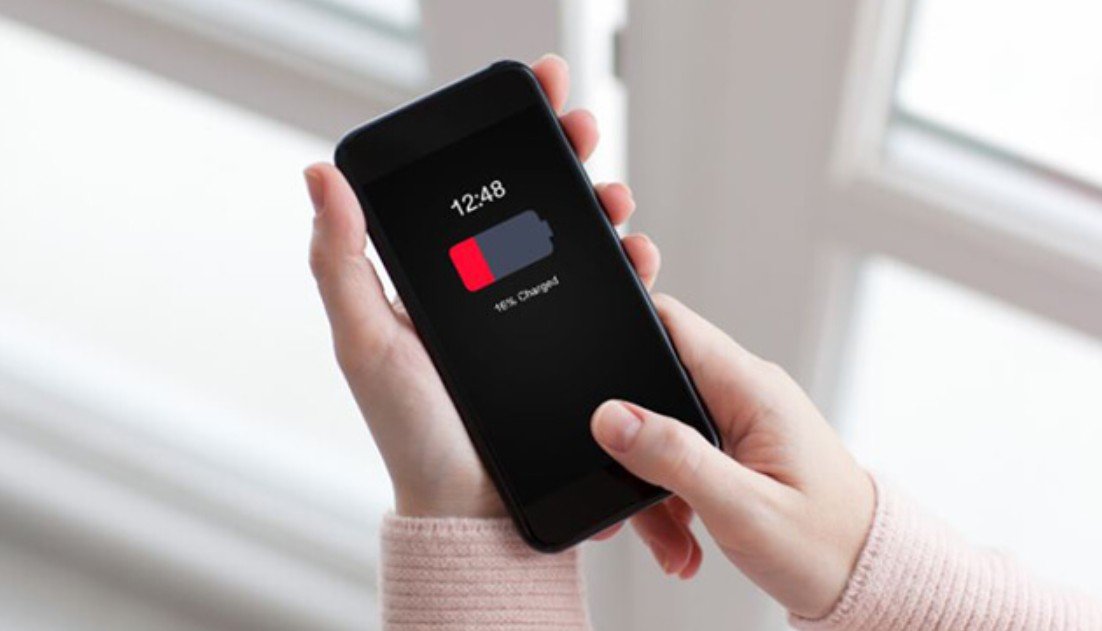
Recently, I began experiencing a frustrating issue with my smartphone battery. Before going to sleep, my phone would often have around 70–80% battery remaining. However, when I woke up in the morning, I noticed that the battery level had dropped significantly, sometimes reaching as low as 40% or even lower.
At first, I thought this might be a one-time occurrence, but the problem continued to happen regularly. What made it more confusing was that I was not actively using my phone during the night. This raised concerns about what could be causing such a large amount of battery drain while the device was supposed to be idle.
Since I rely heavily on my phone throughout the day, waking up to a low battery was not only inconvenient but also disruptive to my daily routine. As a result, I decided to investigate the issue more thoroughly and look for reliable solutions.
While researching, I explored various sources including technology blogs, user forums, and official Android support pages. I found that many users were experiencing similar issues, but the suggested solutions varied depending on the source.
Some sources emphasized background apps as the primary cause, recommending that users close apps before going to sleep or restrict background activity. Others highlighted network-related issues, such as poor signal strength, which can cause the phone to continuously search for a connection and consume more power.
There were also suggestions to turn off wireless features like Wi-Fi, Bluetooth, and GPS overnight. Additionally, some guides focused on system-related factors, such as automatic app updates, background synchronization, and outdated software.
A few sources even pointed out that battery health could be the root cause, especially for older devices. Because the advice differed across sources, it was initially difficult to determine which solution would be the most effective.
After comparing multiple sources, I realized that the differences in advice were due to the variety of factors that can contribute to overnight battery drain.
First, battery drain is not caused by a single issue. It can result from a combination of background activity, network conditions, system settings, and hardware limitations. Therefore, each source may focus on a different primary cause.
Second, user behavior plays a significant role. For example, someone who uses many social media or messaging apps may experience more background activity than someone who uses fewer apps.
Third, environmental factors such as network signal strength can vary depending on location. Users in areas with poor reception are more likely to experience battery drain due to constant signal searching.
Finally, device age and battery condition also affect performance. Older batteries naturally lose efficiency over time, which can lead to faster power loss.
Understanding these factors helped me realize that there is no single universal solution for this problem.
Through my own research and testing,
I learned that managing overnight battery drain requires a combination of practical steps.
First, I found that background apps play a major role in battery consumption.
By restricting background activity and closing unnecessary apps before sleep, I was able to reduce power usage.
Second, I discovered that network conditions significantly impact battery life.
Turning on Airplane Mode at night proved to be one of the most effective solutions, especially in areas with weak signal.
Third, managing wireless features such as Wi-Fi, Bluetooth, and GPS helped minimize unnecessary battery usage. Disabling features that were not needed overnight made a noticeable difference.
I also learned that automatic updates and background synchronization can consume power without the user realizing it. Adjusting these settings to run only when necessary helped improve battery performance.
Finally, I became more aware of battery health. Checking battery usage statistics allowed me to identify apps that were consuming excessive power and take appropriate action.
After trying different methods, I decided to adopt a balanced and consistent approach rather than relying on a single solution.
I now make it a habit to restrict background apps and close unnecessary ones before going to sleep. I also enable Airplane Mode at night, especially when I am in an area with weak signal.
In addition, I turn off wireless features that I do not need overnight and adjust synchronization settings to prevent unnecessary activity. I also regularly monitor battery usage to identify any unusual behavior.
I chose this approach because it addresses multiple potential causes of battery drain at once. Instead of focusing on just one factor, I aimed to create a routine that minimizes overall power consumption.
As a result, my phone now loses significantly less battery overnight, and I can start my day without worrying about low battery levels.
Experiencing battery drain overnight can be frustrating, but it is usually caused by identifiable factors such as background apps, network issues, and system settings.
By understanding these causes and applying simple adjustments, it is possible to significantly improve battery performance. Small changes in daily habits can make a noticeable difference over time.
Taking a proactive approach to managing your phone’s battery will help ensure a more reliable and convenient smartphone experience.