
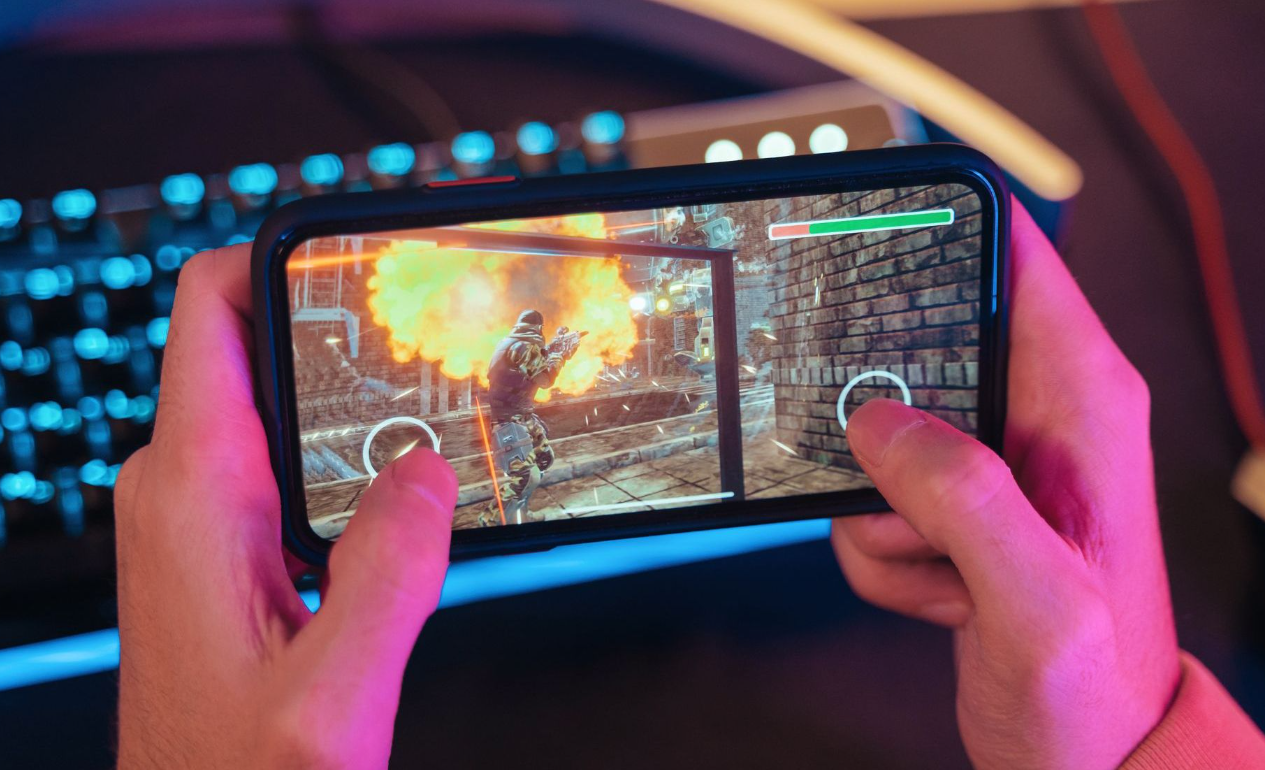
Recently, I started experiencing serious performance issues while playing mobile games on my phone. At first, I thought it was just a temporary glitch, but the problems quickly became consistent and frustrating. During gameplay, I noticed frequent frame drops, sudden lag spikes, and even overheating after just a short session. In competitive games especially, this became a major issue because even a slight delay could determine whether I won or lost.
What made things worse was that my device was not particularly old or low-end. It was a mid-range phone that should have handled most games reasonably well. However, despite lowering some settings, the performance remained inconsistent. At this point, I realized that simply blaming the hardware was not enough—
I needed to understand what was actually causing the problem.
This led me to start researching ways to improve mobile gaming performance. I wanted practical solutions that I could apply immediately without having to buy a new phone.
As I began searching for solutions, I came across a wide range of advice from different sources, including tech blogs, forums, YouTube videos, and community discussions. Interestingly, while many sources agreed on some basic ideas, there were also noticeable differences in recommendations.
Some guides strongly emphasized closing background apps as the most important step, claiming that RAM management was the key factor. Others focused more on thermal management, suggesting that overheating was the main cause of performance drops. Meanwhile, certain sources argued that network optimization was the most critical factor, especially for online multiplayer games.
There were also differences in how aggressively settings should be adjusted. For example, some recommended setting graphics to the absolute lowest level, while others suggested maintaining a balance between visuals and performance. Additionally, opinions varied on whether features like battery saver mode or system animations had a significant impact.
Because of these differences, I realized that simply following one guide might not be enough. I needed to understand the reasoning behind each suggestion.
After comparing multiple sources, I began to understand why the recommendations varied so much. The main reason is that mobile gaming performance is influenced by several different factors, and each device or situation may have a different bottleneck.
For example, if a phone has limited RAM, then background apps can significantly impact performance. In this case, closing apps would provide a noticeable improvement. However, if the device already has sufficient RAM, then this step may not make a big difference.
Similarly, overheating plays a major role in performance throttling. When a phone gets too hot, the system automatically reduces CPU and GPU performance to prevent damage. Therefore, users in warmer environments or those who play while charging are more likely to experience this issue.
Network conditions are another major variable. For online games, lag is often caused by high latency rather than hardware limitations. This explains why some guides focus heavily on Wi-Fi optimization rather than device settings.
In short, different advice exists because different users experience different primary issues. Understanding my own situation became essential.
Through deeper research and testing,
I learned that improving mobile gaming performance is not about a single solution, but rather a combination of optimizations.
First, I confirmed that closing background apps does help, especially before starting a game. It frees up system resources and reduces unnecessary CPU usage.
Second, adjusting in-game graphics settings made a significant difference. Lowering graphics while keeping the frame rate high provided a much smoother experience. I realized that visual quality is less important than stability during gameplay.
Third, I discovered that overheating was one of the biggest factors affecting my device. Playing while charging and keeping the phone in a case were contributing to higher temperatures. Once I removed the case and avoided charging during gameplay, performance improved noticeably.
I also learned that maintaining sufficient storage space is important. When storage is nearly full, system performance can degrade. Clearing unused files and cache helped improve overall responsiveness.
Additionally, I found that disabling unnecessary features such as Bluetooth, location services, and auto-sync reduced background activity and allowed the device to focus more on gaming.
Finally, enabling game mode features provided by the phone helped optimize performance automatically by blocking notifications and prioritizing system resources.
After testing various methods, I decided to adopt a balanced optimization approach rather than relying on just one solution. Instead of focusing only on graphics settings or only on network improvements, I combined several key strategies.
My final setup includes the following:
- Closing all background apps before gaming
- Setting graphics to medium or low while keeping frame rate high
- Avoiding gameplay while charging and managing device temperature
- Using a stable Wi-Fi connection whenever possible
- Keeping at least 20–30% of storage free
- Turning off battery saver mode and enabling performance or game mode
- Disabling unnecessary background features
I chose this approach because it addresses multiple potential bottlenecks at once.
Rather than guessing the single cause of lag, this method ensures that all major factors are optimized.
As a result, I experienced a noticeable improvement in gameplay. Frame drops became less frequent, overall responsiveness improved, and overheating was reduced significantly. Most importantly, I was able to achieve this without upgrading my device.
Through this experience, I learned that mobile gaming performance issues are often misunderstood. Many people assume that poor performance means they need a new phone, but in reality, proper optimization can make a significant difference.
By understanding the underlying causes and applying the right combination of solutions, it is possible to reduce lag, increase FPS, and enjoy a much smoother gaming experience—even on mid-range devices.
This process required some trial and error, but the results were worth it.