
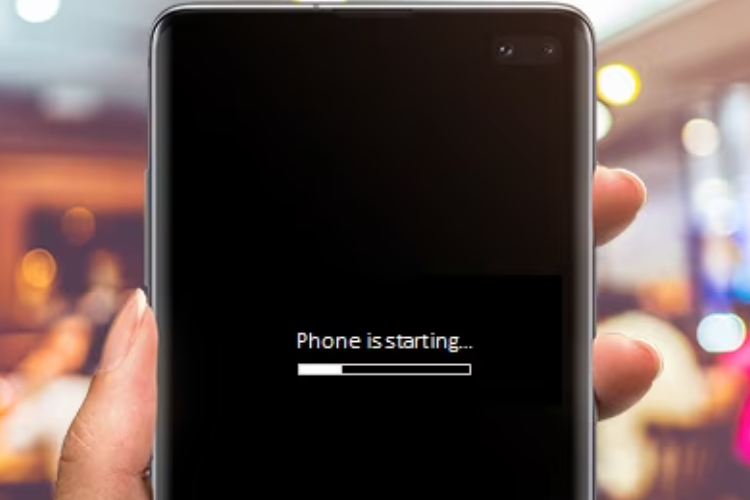
I encountered a situation that every smartphone user dreads: my phone became completely unresponsive and was stuck on the boot screen. When I turned it on, instead of reaching the home screen, the device displayed the logo endlessly, and the loading animation never progressed. At first, I assumed it was just a temporary glitch, so I tried the simplest solution I could think of—a normal restart. Unfortunately, this did not resolve the issue, and I realized that more systematic troubleshooting would be required. Feeling frustrated yet determined, I began to explore various solutions to fix my device.
The first approach I attempted was the force restart. Based on my research, I learned that performing a force restart can resolve temporary software glitches that prevent the phone from booting. By pressing and holding the Power button along with the Volume Down button for approximately 15–20 seconds, the phone finally powered down and attempted to reboot. However, even after multiple attempts, the boot screen remained frozen. Although this step is often effective for minor glitches, it became clear that my situation required further investigation.
Next, I considered the possibility of a low battery causing the boot failure. Sometimes, devices do not have sufficient power to complete the boot sequence, especially if the battery level is critically low or if there are underlying battery issues. I plugged my phone into a high-quality, original charger and waited for nearly 30 minutes before attempting to power it on again. Unfortunately, this method also failed to resolve the issue. While charging is a simple and safe step, it did not address the root cause in my case.
Recognizing that a faulty application could also be responsible for boot problems, I decided to attempt booting the device into Safe Mode. This mode allows the phone to start with only essential system applications, temporarily disabling all third-party apps. I pressed and held the Power button, then long-pressed the “Power Off” option until the Safe Mode prompt appeared. After selecting “OK,” the phone attempted to boot into Safe Mode, but again, the device remained stuck on the boot screen. This indicated that the problem was unlikely to be caused by a third-party application and pointed toward either system-level corruption or hardware-related issues.
At this stage, I sought professional advice and compared recommendations from multiple sources. I contacted the official service center for my phone’s brand, a local independent repair shop, and an online technical support forum. The official service center suggested that the issue could stem from corrupted system files and recommended either clearing the cache partition or performing a factory reset. The independent repair shop proposed a similar approach but emphasized checking for potential hardware failures, such as a malfunctioning motherboard or battery. On the technical forum, several users suggested more advanced software repair techniques, such as flashing the firmware using specialized tools, but warned that these methods could risk further damage if done incorrectly.
By comparing these consultations, I noticed that while all sources agreed on the possibility of corrupted system files, the perceived urgency, risk level, and recommended steps varied depending on the expertise and perspective of each advisor.
The differences in recommendations made me curious about why each source suggested different approaches. After studying the underlying principles, I realized that variations in advice often stemmed from how each expert evaluates risk, convenience, and the likelihood of success. The official service center prioritized safe and guaranteed outcomes, thus recommending options that could be performed with minimal risk to data, such as clearing the cache or performing a controlled factory reset. The independent repair shop, dealing with physical components, considered hardware failures as a serious possibility and factored in repair costs. Meanwhile, online forums included suggestions based on advanced technical knowledge and hands-on experience with uncommon scenarios, where users often take higher risks to attempt a solution themselves. Understanding these distinctions helped me appreciate the reasoning behind each recommendation and prepared me to make an informed choice.
In parallel, I also dedicated time to studying the technical background behind the boot screen issue. I learned that software update failures, corrupted system files, low memory or storage issues, and battery or hardware glitches are common reasons why phones get stuck during booting. Each potential cause requires a different troubleshooting approach: temporary glitches can often be resolved with a force restart, app-related conflicts are addressed via Safe Mode, cache corruption is fixed by wiping the cache partition, and severe system corruption may require a factory reset. I also explored the process of entering Recovery Mode on Android devices, which allows users to wipe the cache partition or perform a full factory reset without needing the device to boot normally. Additionally, I read about precautions, such as removing SIM cards, SD cards, or other external accessories that might interfere with the boot process, and the importance of using original chargers to ensure stable power delivery.
After carefully considering all the advice, potential risks, and my own understanding of the technical background, I ultimately decided on a stepwise approach.
First, I attempted all safe, non-destructive methods, such as force restart and charging the phone fully. Then, because Safe Mode did not work and the cache partition appeared to be corrupted, I proceeded to wipe the cache partition through Recovery Mode. This step allowed me to address potential system corruption without deleting personal data.
Once the cache was cleared, the phone finally booted successfully, confirming that the problem was primarily caused by corrupted cache files rather than hardware failure or app conflicts.
I did not have to perform a factory reset, which would have erased all my data—a solution I had considered only as a last resort.
In conclusion, my experience with a phone stuck on the boot screen was both frustrating and educational. By systematically exploring solutions, comparing advice from multiple professional and informal sources, analyzing the reasons behind differing recommendations, and studying the technical principles involved, I was able to make a confident and informed decision. The final success of clearing the cache partition reinforced the importance of approaching troubleshooting in a structured, informed, and cautious manner. This experience not only restored my phone to working condition but also expanded my understanding of how smartphones operate and how to address complex technical problems safely. It reminded me that even in situations that appear dire, careful study and methodical action can often resolve the issue without unnecessary risk.