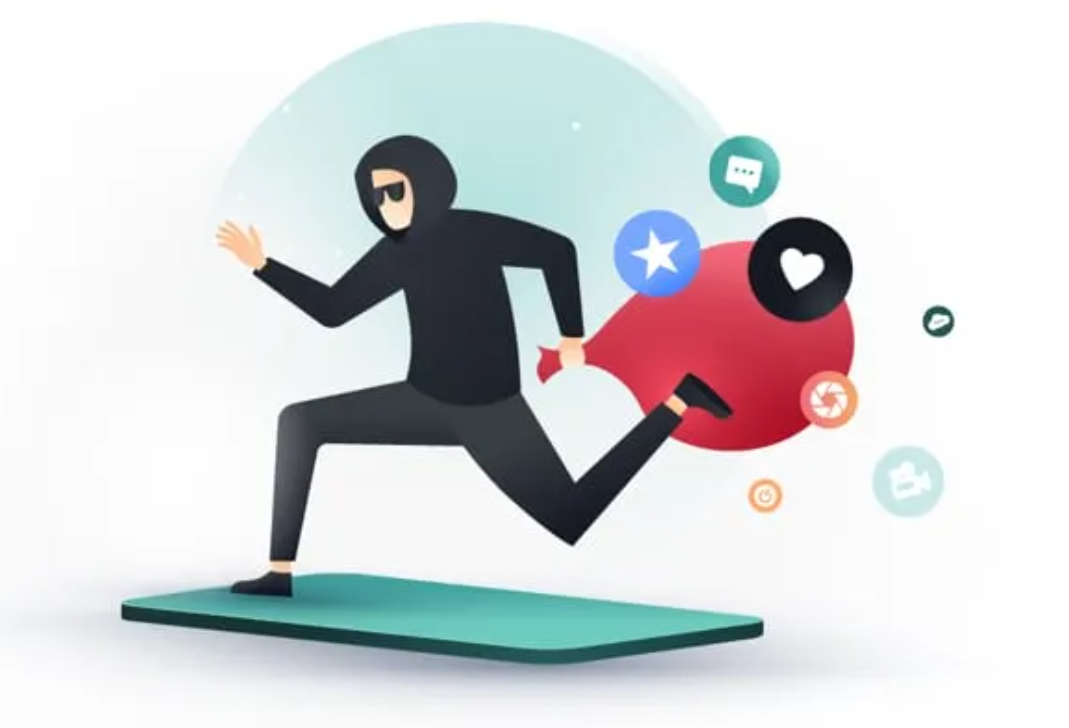
In today’s digital world, apps make our lives easier—but not all of them are safe. Some apps quietly collect your personal data, track your behavior, and even sell your information to third parties without your knowledge.
In this guide, we’ll break down which apps are risky, how they collect your data, and most importantly, how you can protect yourself.
🚨 What Does “Data-Stealing Apps” Mean?
Data-stealing apps are applications that collect more information than they actually need. This can include:
- Your location (even when the app is closed)
- Contacts and call logs
- Photos and files
- Browsing history
- Microphone or camera access
Some of this data is used for ads—but in worse cases, it can be sold or leaked.
📱 Common Types of Risky Apps
1. Free Utility Apps
Flashlights, cleaners, and battery savers often request unnecessary permissions.
Red Flag: A flashlight app asking for contacts or location access.
2. Fake or Cloned Apps
Apps that look like popular ones but are actually fake versions.
Tip: Always check the developer name and reviews before downloading.
3. Games with Excessive Ads
Some free games collect data to target ads more aggressively.
Warning: If a simple game asks for too many permissions, avoid it.
4. Social Media & Photo Apps
These apps may collect facial data, location, and personal preferences.
Example: Filters and face-editing apps often request full gallery access.
🔍 Signs an App Might Be Stealing Your Data
Watch out for these warning signs:
- 🔸 Too many permission requests
- 🔸 Poor or suspicious reviews
- 🔸 Unknown developer
- 🔸 Frequent pop-ups or ads
- 🔸 App size is unusually large for its function
🛡️ How to Protect Your Data
1. Check Permissions Carefully
Before installing, review what the app is asking for.
👉 If it doesn’t match the app’s purpose, don’t install it.
2. Download Only from Trusted Sources
Use official app stores like Google Play or the App Store.
Avoid APK files from unknown websites.
3. Limit App Permissions
Go to your phone settings and disable unnecessary access.
- Location → Only while using the app
- Microphone/Camera → Turn off if not needed
4. Keep Your Apps Updated
Updates often fix security vulnerabilities.
5. Use Security Apps
Install a trusted mobile security app to scan for threats.
6. Delete Unused Apps
Unused apps can still collect data in the background.
👉 If you don’t use it, remove it.
⚠️ Bonus Tip: Watch Out for “Free” Apps
Remember:
If an app is completely free, you might be the product.
Many apps make money by collecting and selling user data.
✅ Final Thoughts
Not all apps are dangerous, but it’s important to stay cautious. By paying attention to permissions, downloading from trusted sources, and regularly reviewing your apps, you can significantly reduce the risk of your data being misused.
Your privacy matters—protect it smartly.