
When I first started experiencing Bluetooth range problems, I did not immediately understand what was happening. Like many people, I rely heavily on wireless devices such as earbuds and speakers in my daily life. One day, I noticed that everything worked perfectly when I stayed close to my phone, but the moment I moved to another room or even just a few steps farther away, the connection would suddenly drop. At first, I assumed it was a temporary issue or a defect in my device. However, the problem kept repeating itself. Music would stop abruptly, videos would lose audio, and reconnecting sometimes took longer than expected. This made the overall experience frustrating, especially because I expected wireless devices to offer more flexibility and freedom.
As the issue persisted, I decided to look into it more seriously. I searched online, read forums, and even compared advice from different sources, including tech blogs, user communities, and customer support responses. Interestingly, the explanations were not always consistent. Some sources emphasized that the problem was mainly due to distance limitations, while others pointed to interference from Wi-Fi or other electronic devices. A few suggested that the issue might be related to low battery levels, and others claimed that older Bluetooth versions were the main cause. Customer service responses were also varied. Some recommended resetting the device, while others suggested updating firmware or even replacing the hardware entirely. This variety of answers made it difficult to determine what the actual root cause was.
I began to wonder why there were so many different explanations for what seemed like a simple issue. After comparing multiple sources,
I realized that Bluetooth disconnection is not caused by a single factor but rather a combination of several variables.
Each user’s environment is different, which means the cause of the problem can vary depending on the situation. For example, someone living in a small apartment with minimal interference might only experience issues when exceeding the typical range. On the other hand, someone in a crowded environment with many wireless signals might experience disconnections even at shorter distances. This explained why different sources provided different answers—they were each addressing specific scenarios rather than a universal rule.
To better understand the problem, I decided to study how Bluetooth actually works. I learned that Bluetooth technology is designed for short-range communication and typically operates within a limited distance depending on its class. Most everyday devices, such as smartphones and wireless earbuds, fall under Class 2, which has an effective range of about 10 meters. However, this range is not guaranteed in real-world conditions.
Physical obstacles such as walls, doors, and furniture can significantly weaken the signal.
Even the human body can interfere with Bluetooth transmission. Additionally, Bluetooth operates on the 2.4 GHz frequency band, which is shared by many other devices, including Wi-Fi routers, microwaves, and wireless peripherals. This means that signal interference is very common, especially in environments with many electronic devices.
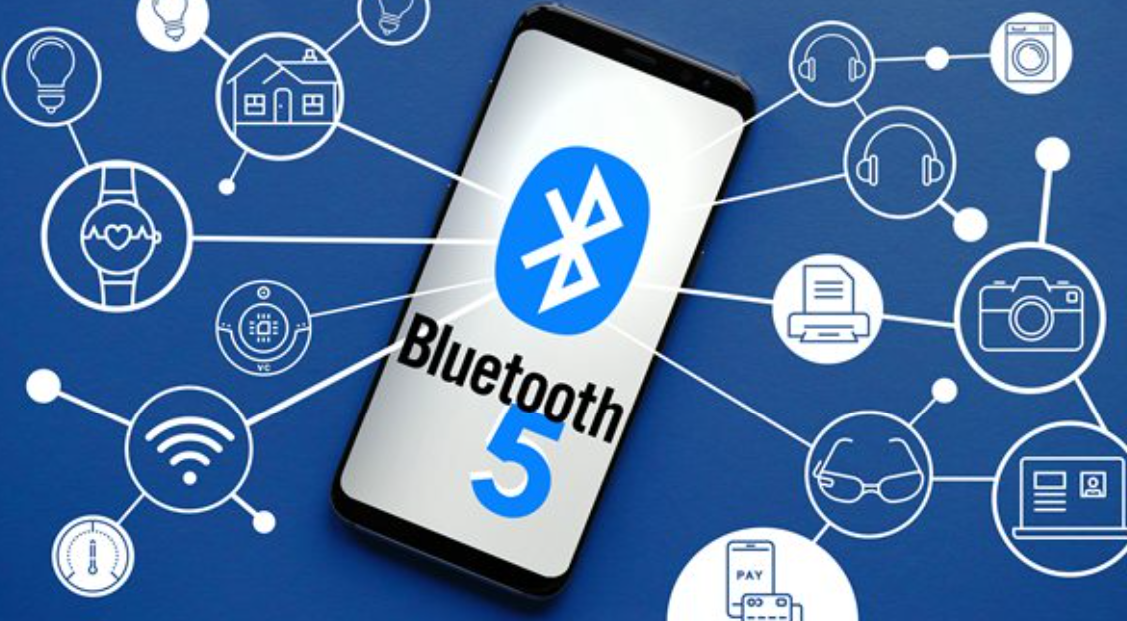
Another important factor I discovered was battery level. When a Bluetooth device has a low battery, its signal strength can decrease, making it more prone to disconnections at longer distances. I also learned that the version of Bluetooth plays a significant role. Newer versions, such as Bluetooth 5.0 and above, offer improved range and stability compared to older versions like Bluetooth 4.0. However, both devices need to support the newer version to fully benefit from these improvements. Additionally, hardware limitations, such as the size of the antenna in small devices like earbuds, can restrict signal strength and range.
After gathering and analyzing all this information, I started testing different solutions myself. I tried staying within a closer range, reducing obstacles between my devices, and ensuring that my devices were fully charged. I also checked for software updates and made sure my devices were running the latest firmware. In some cases, simply changing my position or moving to a less crowded wireless environment made a noticeable difference.
Through this process, I realized that the issue I was experiencing was not due to a defect but rather a normal limitation of Bluetooth technology combined with environmental factors.
In the end, my final decision was not to replace my devices but to adjust how I use them. I chose to stay within a reasonable distance when using Bluetooth, avoid placing obstacles between connected devices, and keep my devices well charged. I also became more aware of potential interference sources and tried to minimize their impact when possible. Instead of expecting perfect performance at long distances, I accepted the inherent limitations of Bluetooth and adapted accordingly. This approach significantly reduced the frequency of disconnections and improved my overall experience.
Through this experience, I gained a much clearer understanding of how Bluetooth works and why range-related issues occur. What initially seemed like a frustrating and confusing problem turned out to be a combination of predictable technical limitations and environmental factors. By learning and adjusting, I was able to find a practical solution without unnecessary replacements or expenses.