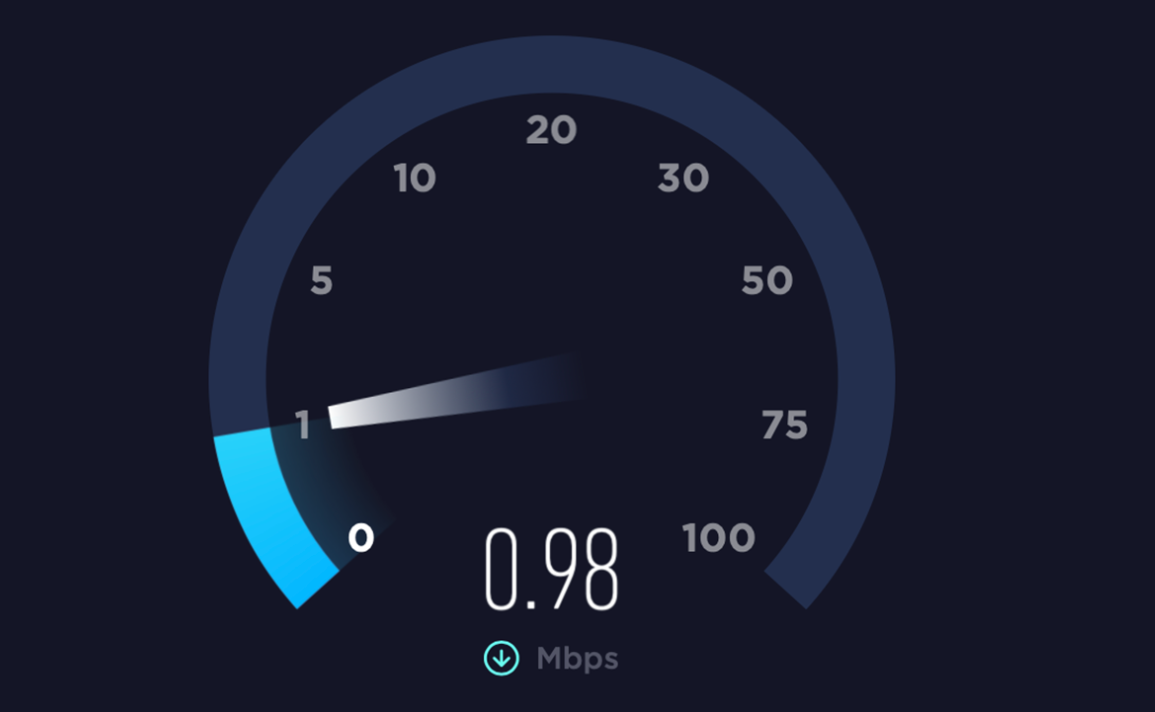
A few weeks ago, I started experiencing an extremely frustrating issue with my home Wi-Fi. Despite paying for a high-speed internet plan, my smartphone was noticeably slower than usual. Videos kept buffering, web pages loaded slowly, and even simple apps felt unresponsive. Interestingly, other devices like my laptop and tablet seemed to work just fine, which made the situation even more confusing.
At first, I assumed the problem was with my internet service provider. However, after resetting my connection multiple times with no improvement, I realized that the issue might be coming from something inside my home setup. That realization led me to start researching and comparing different possible causes and solutions.
As I began looking into this problem, I checked multiple sources including tech blogs, forums, and even contacted customer support for advice. What surprised me the most was that each source gave slightly different explanations. Some emphasized router placement as the most important factor, while others pointed to device overload or outdated equipment. A few even suggested that interference from household electronics could be the main issue.
Because the answers varied so much, I became curious about why there wasn’t a single clear cause. After comparing all the information,
I realized that Wi-Fi performance is not controlled by just one factor.
Instead, it is the result of several small issues combined together.
Depending on each person’s environment, the main cause can be completely different. For example, someone living in a small apartment may struggle more with interference from nearby networks, while someone in a larger home may face coverage issues due to poor router placement.
This led me to study the topic more deeply on my own. I started learning about how Wi-Fi signals actually work, including how physical obstacles like walls and furniture can weaken the signal. I also learned the difference between 2.4 GHz and 5 GHz frequency bands, and how each one performs under different conditions. Additionally, I found out that older routers may not support modern internet speeds efficiently, which can create a bottleneck even if the internet plan itself is fast.
One of the most important things I discovered was that many people, including myself, tend to ignore router maintenance. I had never updated my router firmware before, and I didn’t even realize that routers require updates just like smartphones or computers. This alone can affect both speed and stability.
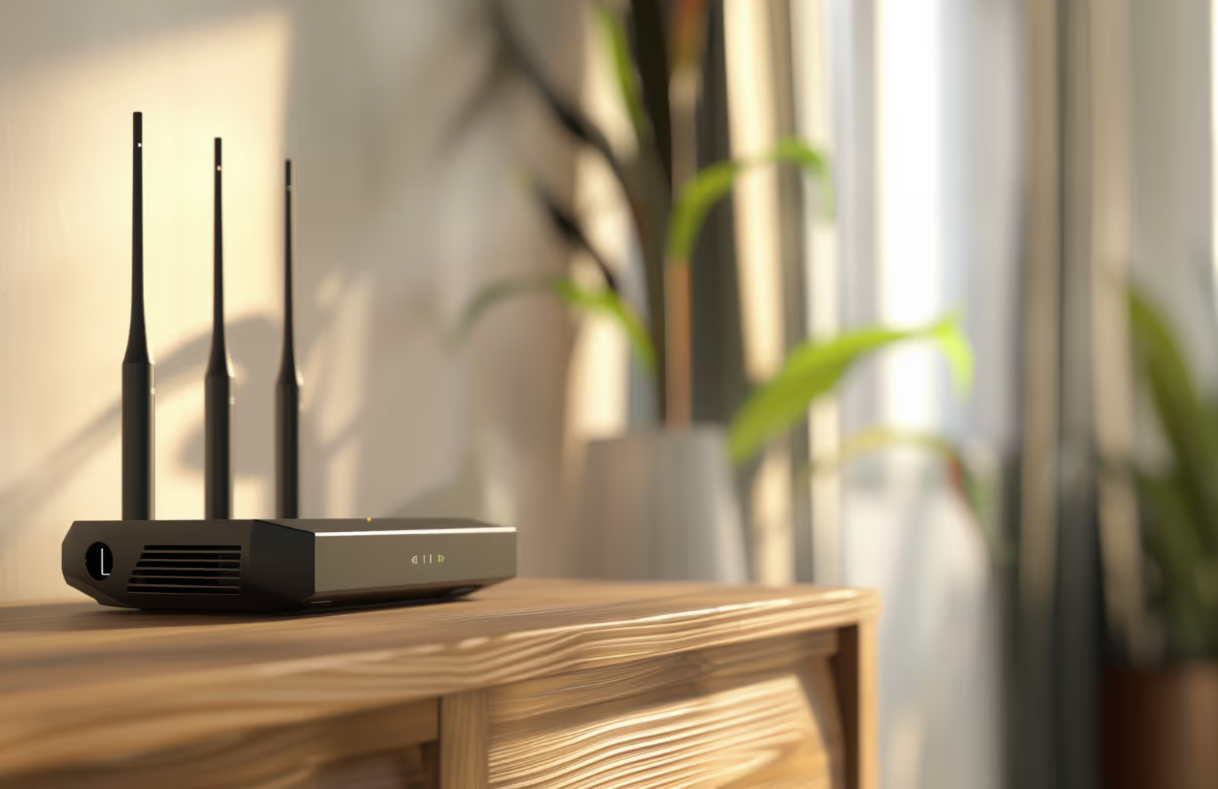
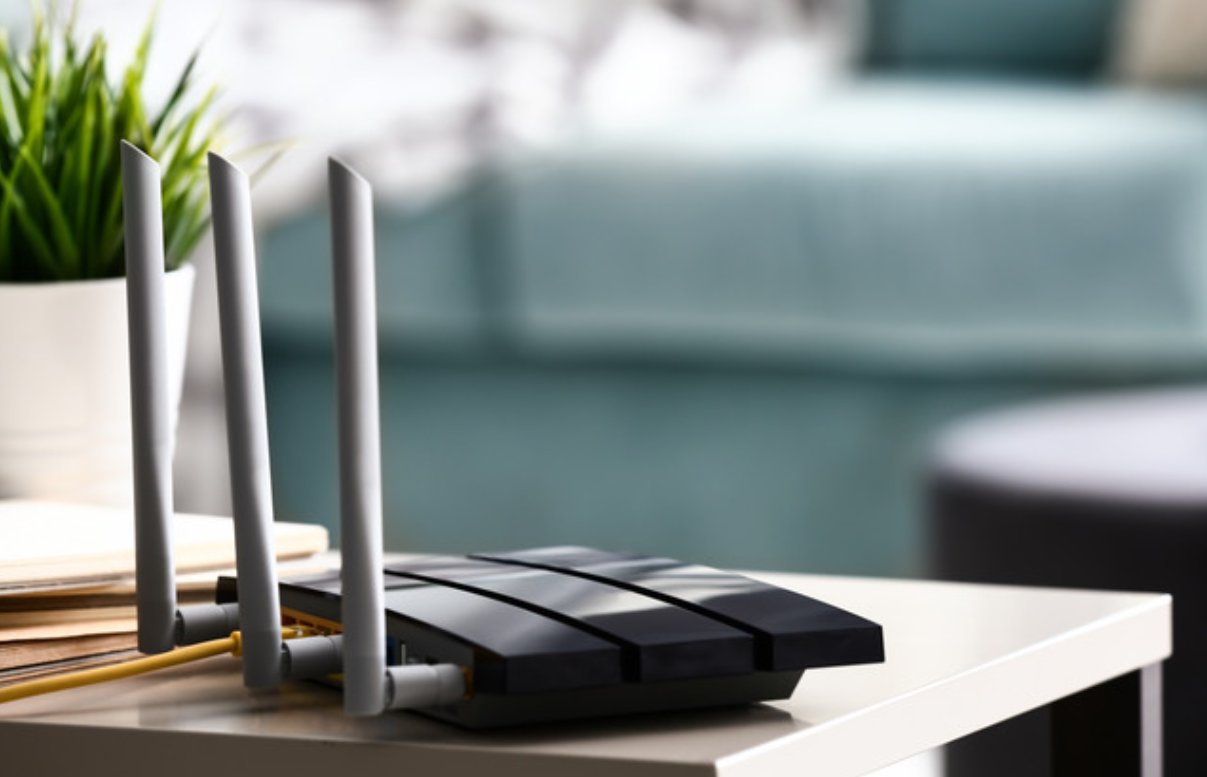
After understanding all these factors, I decided to take a systematic approach to fixing my Wi-Fi. First, I moved my router from a corner of the room to a more central and elevated location. Previously, it had been placed behind furniture, which was clearly blocking the signal. Next, I disconnected several unused devices that were still connected to the network. I also switched my main devices to the 5 GHz band for better speed.
In addition, I checked my router settings and updated the firmware to the latest version. Finally, I made sure that the router was placed away from electronic devices like the microwave and TV, which could cause signal interference.
The results were immediately noticeable. My internet speed improved significantly, and the connection became much more stable. Streaming videos no longer buffered, and apps loaded quickly without delay. What initially felt like a complicated technical issue turned out to be a combination of simple mistakes that I had overlooked.
The reason I ultimately chose this approach was because it addressed multiple possible causes at once rather than focusing on just one solution. Instead of assuming a single problem, I applied everything I had learned step by step. This made the biggest difference.
Through this experience, I realized that slow Wi-Fi is often not caused by your internet provider, but by how your home network is set up.
Small changes can lead to big improvements if you understand the underlying reasons.
If you are facing a similar issue, I highly recommend taking the time to review your Wi-Fi setup carefully. Even simple adjustments can dramatically improve your internet experience, just as they did for me.