
Losing phone data is one of the most stressful experiences anyone can encounter.
A few months ago, I faced a situation that made me realize the importance of backing up my phone. One morning, I accidentally dropped my phone, and although it still turned on, I noticed that some apps were malfunctioning and a few of my recent photos and messages seemed to be missing. At first, I panicked because I had never consistently backed up my data. I quickly understood that relying solely on the device itself without any backup plan was risky.
That moment prompted me to investigate all possible ways to secure my data safely.
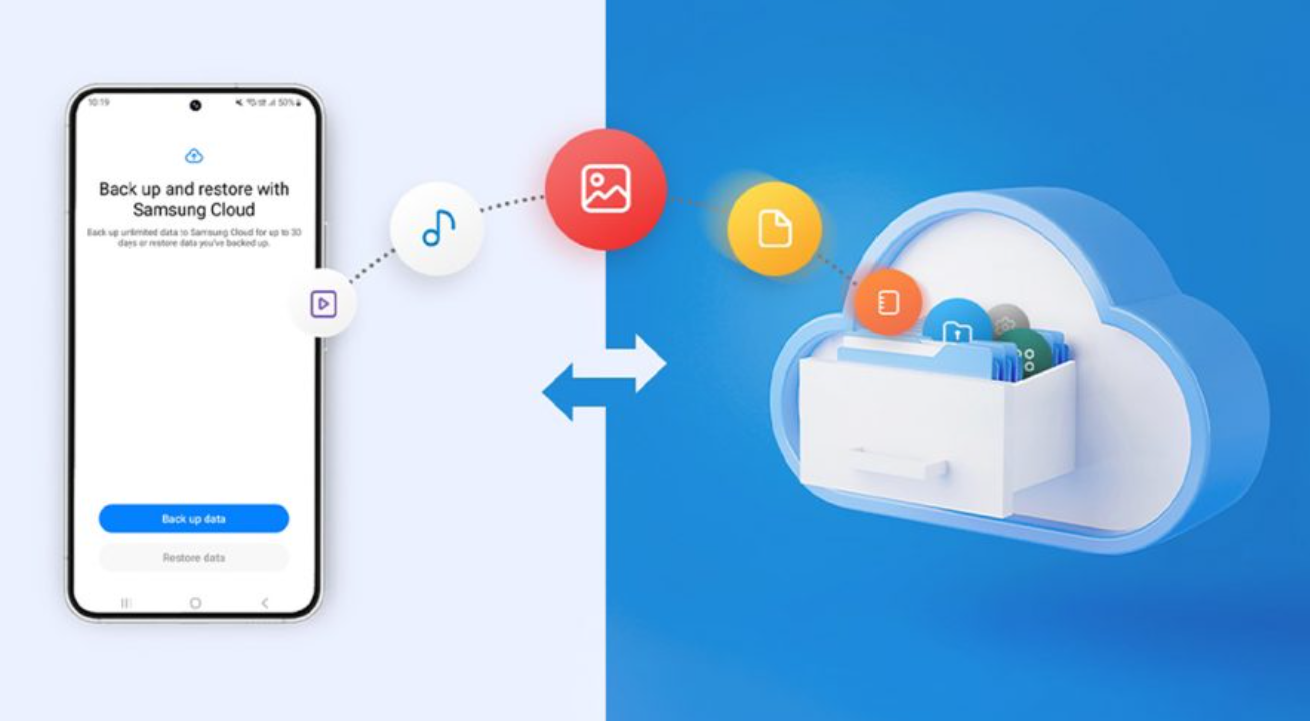
I started by exploring the most common method that people recommend: cloud backup. For my Android device, I checked the settings under Google Backup and enabled the “Back up by Google One” option. I also initiated a manual backup to ensure everything was stored in the cloud. For my friend who uses an iPhone, she recommended using iCloud Backup, where she had enabled automatic backups and ensured that all her contacts, photos, messages, and device settings were included. Observing both systems helped me understand that cloud backups were incredibly convenient and easy to manage. They also allowed data to be restored when switching devices, which was particularly reassuring.
However, I wanted to be thorough. I began consulting multiple sources to compare backup methods, including online tech forums, YouTube tutorials, and even tech store representatives. From these consultations, I discovered several options: cloud backup, backing up photos and videos separately through services like Google Photos or iCloud Photos, offline backups to a computer, and external storage methods such as USB drives or SD cards. The advice was not always consistent. Some tech advisors emphasized the security of cloud backups, while others stressed the importance of having a local copy on a computer or external storage in case of hacking or accidental deletion. One store representative even suggested using a combination of all methods for maximum safety, referencing the 3-2-1 rule: maintaining three copies of data, storing them on at least two different types of storage, and keeping one backup offsite.
The variations in recommendations puzzled me at first. I wondered why the advice was so different depending on the source. After analyzing the information, I realized it was largely due to differing priorities and potential risks. Cloud services prioritize convenience and accessibility, which is why they are recommended for most casual users. Offline backups, on the other hand, offer complete control and extra security, appealing to those who are more concerned about hacking or accidental cloud failures. Meanwhile, external storage provides an additional layer of protection but requires regular maintenance and vigilance to ensure the backups are up to date. Understanding these nuances helped me appreciate why no single method is universally considered the “best.”
To make an informed decision, I studied backup processes more deeply. I learned that automatic backups are crucial because manual backups are easy to forget, especially when life gets busy. I explored settings for automatic cloud backups, learning how to set daily or weekly schedules and how many services allow backups to run while the phone is charging. I also researched verifying backups, which is often overlooked; it is not enough to simply back up the data—you must ensure it is accessible, current, and restorable. I familiarized myself with file structures on both Windows and Mac for manual backups, and I practiced copying important folders from my Android phone to my computer, including DCIM (photos), Downloads, Documents, and other essential files. Finally, I studied using USB flash drives with OTG support and microSD cards as additional offline storage options.
After gathering all this knowledge, I established a clear strategy for myself. I decided to implement a combination of methods to ensure redundancy and security. First, I set up cloud backup through Google One for automatic daily backups. This covers contacts, app data, device settings, and messages. Then, I enabled Google Photos to back up my pictures and videos in high quality automatically. Next, I performed a full manual backup to my computer via USB, creating a local copy that I could access without relying on an internet connection. Finally, I stored critical files on a USB drive kept separately from my home, following the 3-2-1 backup rule. This approach gave me peace of mind, knowing that even if one backup method failed, others were available.
The final decision was influenced by a few key factors. Convenience was important, as I did not want to spend excessive time performing backups manually every week. Security was another priority, particularly for sensitive documents and personal photos. By combining cloud and local backups, I achieved a balance between accessibility and control. Additionally, implementing automated processes and verifying them regularly ensured that my data would remain safe over time. In essence, my final setup was not dictated by a single method but by the understanding that multiple layers of protection provide the most reliable security.
In conclusion, the journey of exploring phone backup options taught me several lessons. First, unexpected incidents can happen at any time, and relying solely on the phone itself is risky. Second, consulting multiple sources and comparing advice can help identify both advantages and limitations of different backup methods. Third, studying and understanding the backup processes allows for a more strategic and informed approach.
Ultimately, my decision to use a combination of cloud services, local computer backups, and external storage ensures that my phone data is safely protected.
Starting with one method and gradually building a comprehensive backup system has given me confidence that, regardless of what happens, my important data will remain secure and accessible. I can now focus on using my phone without the constant worry of losing precious information, knowing that my backup strategy is reliable, verified, and future-proof.